
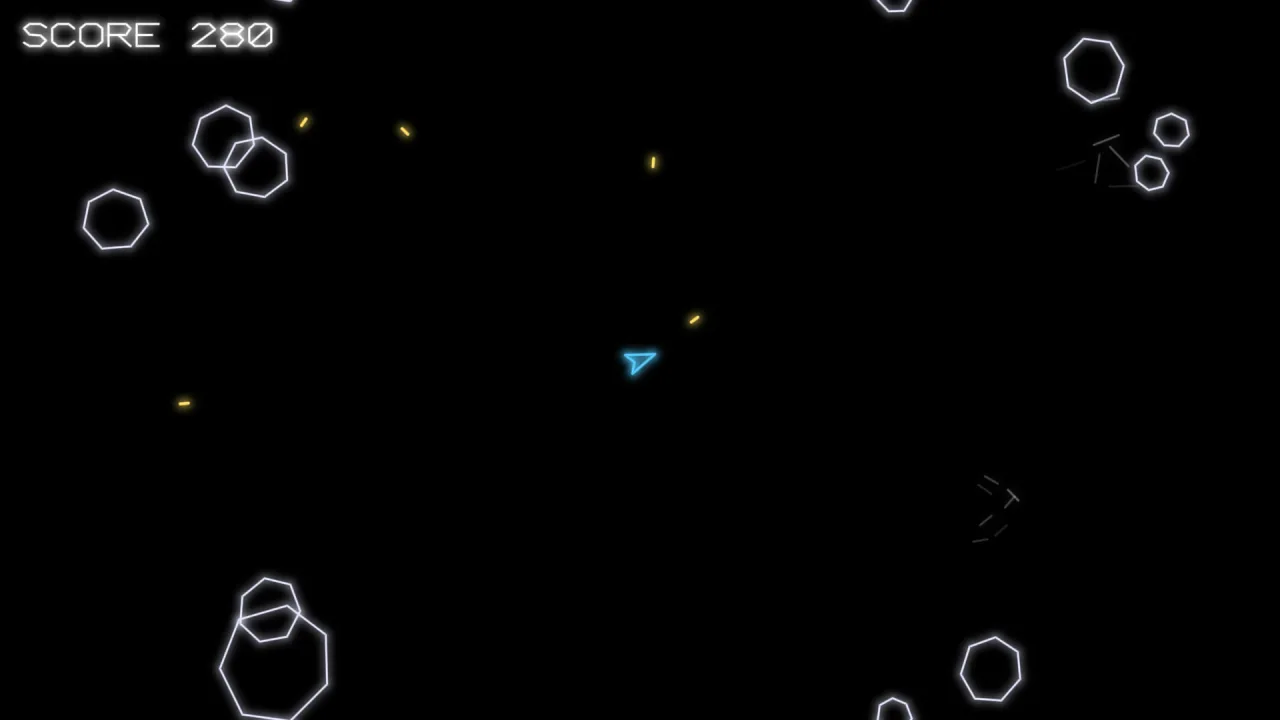
The pack
coreVector
function coreVector(): Pack<CoreVectorApi, {}, {}, ShapeSpawn>The vector core. No options: everything it composes is configured by its defaults, or by naming that pack in the manifest.
Constants
VECTOR_DRAWER_ID
const VECTOR_DRAWER_ID: 24The drawer id core-vector's objects carry, so the sprite pass leaves them to the vector layer.
Types
CoreVectorApi
interface CoreVectorApiWhat core-vector puts on the game.
readonly shapes: Shapes— Line-art shapes by name, forgame.spawn({ shape }).shatter(h: Handle, opts?: { speed?: number; spin?: number; life?: number; drag?: number }): void— Break a shape apart: its lines fly, spin and fade, and the object is destroyed now.speed,spin,life,dragshape the debris.text(text: string | number, x: number, y: number, style?: VectorTextStyle): Text— Text, centered onx, yby default, on the HUD: glowing line art unlessfontnames a typeface.readonly background: Background— What is behind everything: a color (black, for most vector games), a gradient, stars, a picture.
Facing
type Facing = 'right' | 'up' | 'none'Which way a shape defined in code points as drawn: 'right' (+x, the default), 'up' (-y) or 'none' (it has no front).
ShapeLook
interface ShapeLook extends VecStyleHow a shape defined in code looks: the vector layer's line style, and which way it points as drawn.
fill?: string— A solid face under a closed outline: a color, hex.facing?: Facing— Which way it points as drawn. Default'right'.
Shapes
interface Shapesgame.shapes: line-art shapes by name, for game.spawn({ shape: name }).
define(name: string, outline: VecPoints | ReadonlyArray<VecPartOptions> | ReadonlyArray<readonly [number, number]>, look?: ShapeLook): void— Name a shape drawn in code: an outline of points in world units around its center ([[x, y], …]or{ x, y }objects), or a list of parts ({ points, closed, color, … }) that turn together.game.shapes.define('ship', [[14, 0], [-10, -9], [-6, 0], [-10, 9]], { color: '#5cf', glow: 1 }).load(file: string | VecArtFile | unknown): string[]— Name every shape in a vector-art file (the design's Vector Art page): a loaded file's key in assets.json, or the file itself. Thevector-artkey loads by itself the first time an unknown name is spawned. Returns the names it added.has(name: string): boolean— Is there a shape by this name?readonly names: ReadonlyArray<string>— Every shape's name.of(h: Handle): VecShape | null— The vector layer's own shape behind an object, for its parts (shape.part('flame')) or a restyle.
ShapeSpawn
interface ShapeSpawnWhat game.spawn takes for a shape: game.spawn({ id: 'rock', shape: 'rock', x, y, tags: ['rock'] }).
shape?: string— A shape by the namegame.shapes.define(or the design's Vector Art file) gave it.size?: number— For a shape from a vector-art file: how many world units its drawing box spans. Default the size its page gave it.
VectorTextStyle
interface VectorTextStyle extends TextStyleHow game.text looks in a vector game: the shared style, a font of line art by default, and its glow.
font?: string—'vector'(default): glowing line art, capitals, digits and punctuation.'sans','serif','mono'(each with-bold) set it as ordinary type.glow?: number— Line art: how far its halo reaches, 0..2. Default 0.8.weight?: number— Line art: the width of its strokes, in pixels. Default a tenth of the size.