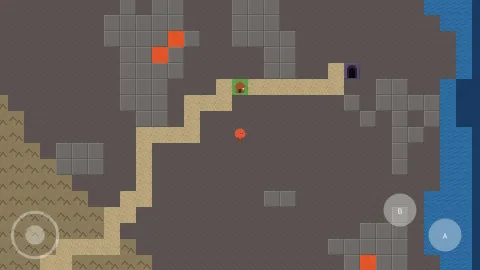

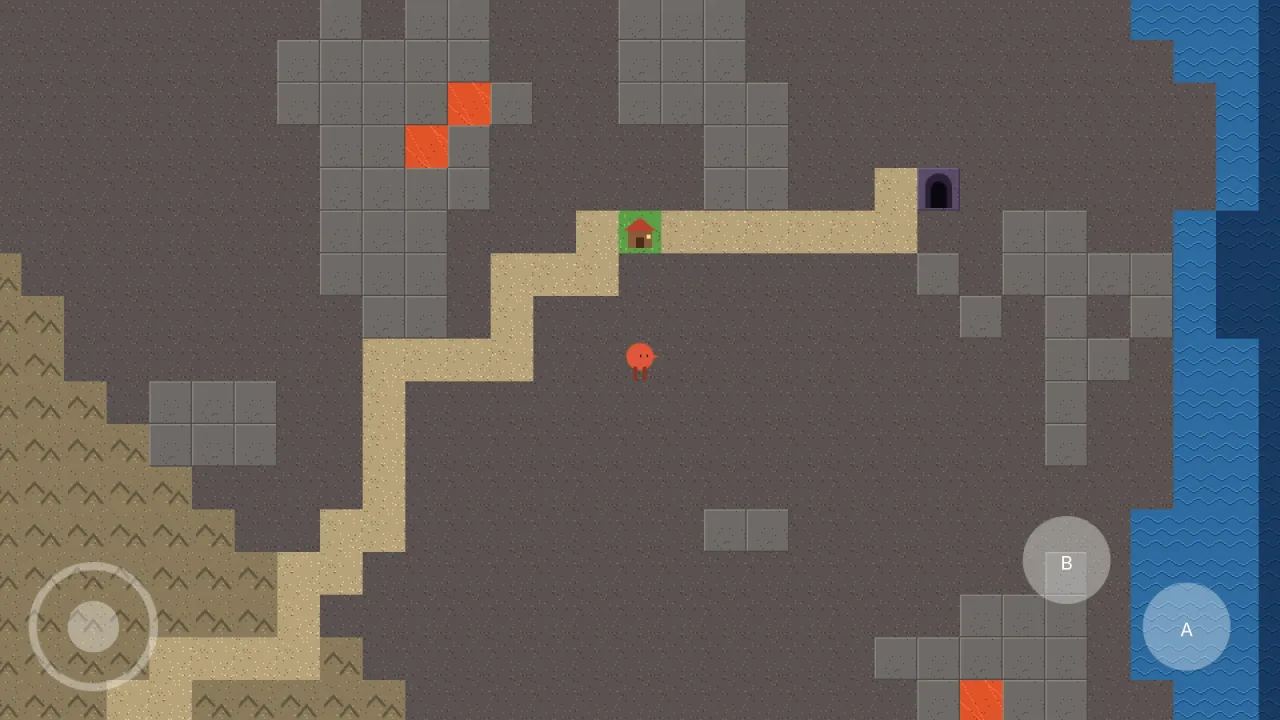
The pack
controlsTouch
function controlsTouch(opts: ControlsTouchOptions = {}): Pack<{ touch: ControlsTouchApi }>The touch-controls pack: on-screen buttons and a thumb stick that press key codes, so a phone drives the
same bindings as a keyboard. Requires world:screen for the layer it draws on and typography for button
labels. Headless it presses nothing and draws nothing.
Types
ControlsTouchApi
interface ControlsTouchApigame.touch.
visible: boolean— Are the controls up. Set it to force them on a desktop (a demo, a screenshot) or off during a cutscene.readonly stick: { x: number; y: number }— The stick's thumb offset, each axis −1..1, already past the deadzone.{ x: 0, y: 0 }with no stick.readonly held: ReadonlyArray<string>— Which codes are held by the controls right now.button(spec: TouchButtonSpec): void— Add a button after attach — a level that adds a second action.readonly touchDevice: boolean— True when the device reports touch, whatevervisiblesays.
ControlsTouchOptions
interface ControlsTouchOptionsManifest options.
buttons?: ReadonlyArray<TouchButtonSpec>— The buttons.stick?: TouchStickSpec— The thumb stick, if there is one.touchOnly?: boolean— Show the controls only on a touch device. Default true. A desktop player does not want a d-pad over their game, and a phone player cannot play without one, so the default is to ask the device.alpha?: number— Opacity of the controls. Default 0.35 — visible enough to aim at, faint enough to see the game through.layer?: LayerName— The layer they draw on. Default 'hud', or the last layer when there is no hud.
TouchAnchor
type TouchAnchor = 'bottom-left' | 'bottom-right' | 'top-left' | 'top-right'Where a control sits. The offset is measured from that corner, always inward.
TouchButtonSpec
interface TouchButtonSpecA round on-screen button.
code: string— The key code it presses while held. Use one no keyboard has —'Touch:jump'— and bind it alongside the real keys.label?: string— A short label drawn on it (rendered with Typography).anchor?: TouchAnchor— Which corner it is measured from. Default 'bottom-right'.x?: number— Inward offset from the corner to the button's CENTRE, in screen pixels. Default 70, 70.y?: number— Inward offset down (or up) from the corner.r?: number— Radius in screen pixels. Default 34.tint?: string— Fill colour. Default white.
TouchStickSpec
interface TouchStickSpecA thumb stick: four codes, pressed by direction.
codes: { left?: string; right?: string; up?: string; down?: string }— The codes pressed while the thumb is that way.anchor?: TouchAnchor— Which corner it is measured from. Default 'bottom-left'.x?: number— Inward offset to the stick's centre. Default 70, 70.y?: number— Inward offset.r?: number— Radius of the ring, in screen pixels. Default 50.deadzone?: number— Fraction of the radius the thumb must leave before a direction presses. Default 0.35 — below that a resting thumb jitters between left and right, which reads as the game fighting the player.tint?: string— Fill colour. Default white.