
The pack
cardArt
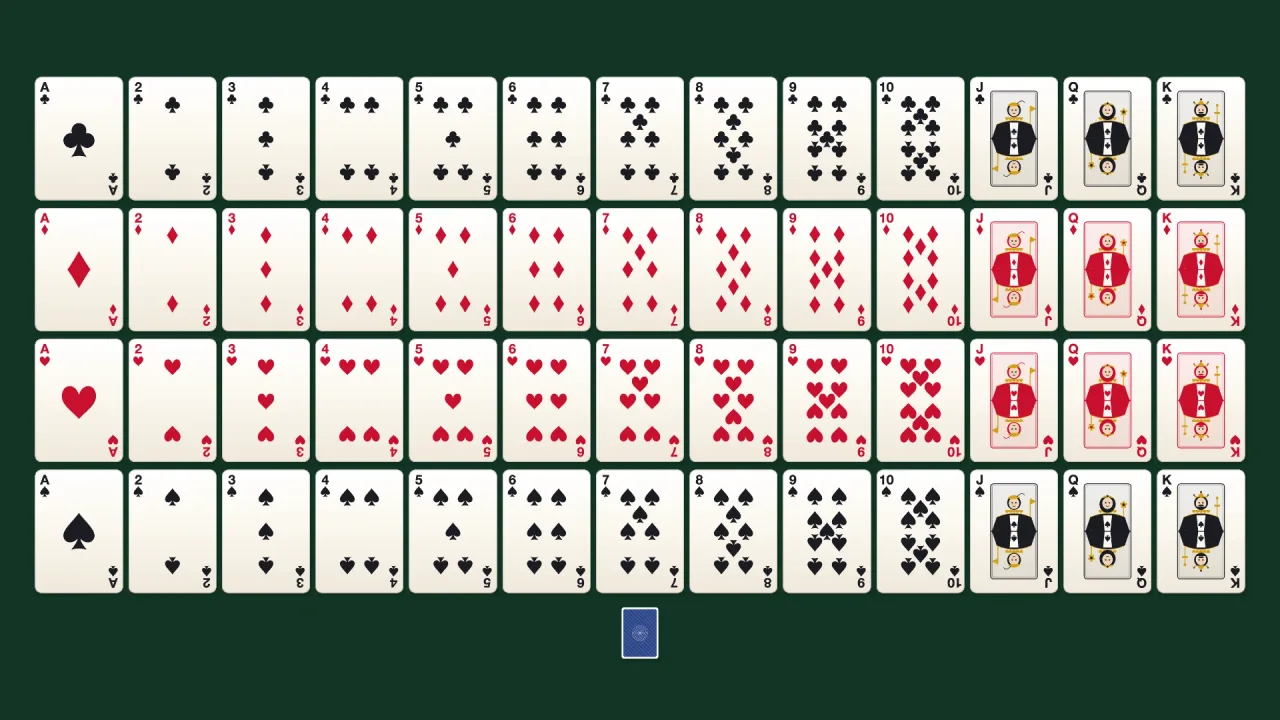
function cardArt(): Pack<{ cardArt: CardArtApi }>The card-art pack: faces and backs painted from vector pips and courts, so a card game needs no image files.
Helpers
cardBackCanvas
function cardBackCanvas(opts: CardArtOptions & { color?: string } = {}): CardCanvasThe BACK of a card — a guilloche lattice inside a double border.
cardFaceCanvas
function cardFaceCanvas(suit: Suit, rank: Rank, opts: CardArtOptions = {}): CardCanvasThe FRONT of a card, drawn once and cached by (suit, rank, size, palette).
Types
CardArtApi
type CardArtApi = typeof kitgame.cardArt — card faces and backs painted on a canvas, as one namespace.
CardArtOptions
interface CardArtOptionsConfigures the baked card face art.
width?: number— Card width in px (height follows the 1.4 poker ratio). Default 250.paper?: string— Face stock colour.redInk?: string— Ink colour for the red suits.blackInk?: string— Ink colour for the black suits.gold?: string— Court-card metal accent.skin?: string— Court-card face tone.inkOnly?: boolean— INK ONLY: skip the paper fill and the outer edge stroke, leaving a fully transparent background. Pair with a mesh usingdecal: true— the MESH then supplies the card stock, so the silhouette comes from geometry (crisp rounded corners at any scale) and the background can be any colour or effect instead of baked-in white.inkRim?: number— INK-ONLY RIM: the corner radius of the mesh the art sits on — pass the same number you gaveplane({ r })and the rim lands exactly on the silhouette. Without a rim, a stack of overlapping cards reads as one white blob, since the mesh supplies unbroken stock and nothing marks where one card ends. Default 0.16; 0 omits it. Ignored unlessinkOnly; full art already strokes its edge.
CardCanvas
type CardCanvas = HTMLCanvasElement | OffscreenCanvasWhat the painters return. The kernel's atlas takes either.