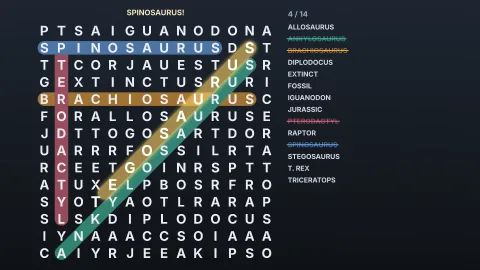

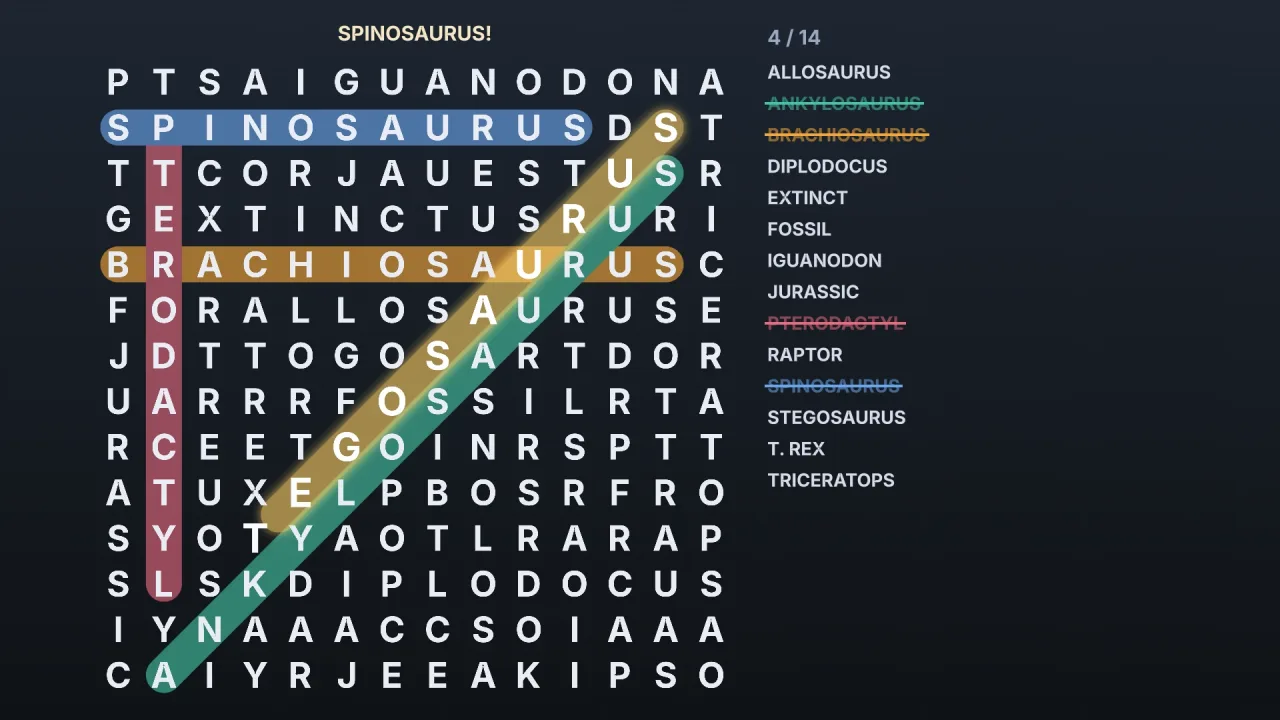
The pack
wordSearch
function wordSearch(): Pack<{ wordSearch: WordSearchApi }>The word-search pack: seeded word search grids and the rules of finding the words. Pure logic, so it runs headless.
Helpers
createWordSearch
function createWordSearch(options: WordSearchOptions): WordSearchMake a puzzle. Throws a RangeError for a grid of no cells, an unknown direction, a word with characters other than
letters, neither words nor pool, or a message longer than the free cells.
DIRECTION_PRESETS
const DIRECTION_PRESETS: Readonly<Record<'easy' | 'medium' | 'hard', ReadonlyArray<Direction>>>Direction presets: easy hides words reading right or down; medium adds the two diagonals that read
left to right; hard uses all eight, backwards included.
DIRECTIONS
const DIRECTIONS: Readonly<Record<Direction, { readonly dx: number; readonly dy: number }>>Each direction as a step across (dx) and down (dy) the grid.
Types
Cell
interface CellA cell of the grid: x across from 0 at the left, y down from 0 at the top.
readonly x: number— Column, from 0 at the left.readonly y: number— Row, from 0 at the top.
Direction
type Direction = 'right' | 'left' | 'down' | 'up' | 'down-right' | 'up-left' | 'down-left' | 'up-right'A way a word can run: across, down, and the diagonals, each forwards or backwards.
FoundResult
interface FoundResultWhat an accepted move found.
readonly index: number— The word'sindex.readonly label: string— Its label.readonly placement: Placement— Where it is.readonly complete: boolean— Is the puzzle now complete?
Placement
interface PlacementWhere one word is hidden.
readonly start: Cell— The first letter's cell.readonly end: Cell— The last letter's cell.readonly direction: Direction— Which way it reads.readonly cells: ReadonlyArray<Cell>— Every cell it covers, first letter to last.
SearchWord
interface SearchWordA word to find, as the puzzle lists it.
readonly index: number— Its place inwords, which never changes.readonly label: string— How it is listed, as given.readonly letters: string— Its letters as hidden, lower case.readonly found: boolean— Found (or revealed)?readonly revealed: boolean— Shown byrevealrather than found?readonly placement: Placement | null— Where it is: only once it is found or revealed, and always once the puzzle is complete.
WordSearch
interface WordSearchA word search puzzle. Make one with createWordSearch.
observation(): WordSearchView— The puzzle as it stands.letterAt(x: number, y: number): string | null— The letter at a cell, lower case; null outside the grid or the mask.lineBetween(from: Cell, to: Cell): Cell[] | null— The cells in a straight line fromfromtoto(across, down or diagonal, either way), or null when the two are not in line or the line leaves the grid. What a drag highlights.snap(from: Cell, to: Cell): Cell— Where a drag fromfromtowardstoshould end: the cell on the nearest of the eight directions, as far along astoreaches, kept inside the grid. A drag snapped this way is always a line.spell(from: Cell, to: Cell): string | null— The letters a line spells, lower case, or null when it is not a line.select(from: Cell, to: Cell): { readonly ok: true; readonly result: FoundResult } | Refusal— Select a line. Accepted when it covers an unfound word exactly, in either direction; refused with a reason otherwise (not a line, not a word in the list, found already, complete).reveal(index: number): { readonly ok: true; readonly result: FoundResult } | Refusal— Show a word as if found, markedrevealed. Refused for a found word or an unknown index.undo(): boolean— Take back the last selection or reveal.hint(): { readonly index: number; readonly label: string; readonly start: Cell } | null— A word still to find and its first letter's cell, for a hint that points without giving it away; null when complete.solution(): ReadonlyArray<Placement>— Where every word is, found or not: for a solution screen or a test. Indexed aswords.snapshot(): HistorySave<WordSearchMove>— The puzzle as a save: the seed and the moves. Restore it into a puzzle made with the same options.restore(save: HistorySave<WordSearchMove> | string): void— Replace this puzzle's moves with a save. Throws, changing nothing, when the save does not replay.
WordSearchApi
type WordSearchApi = typeof rulesgame.wordSearch: every function and type this pack carries, as one namespace.
WordSearchMove
type WordSearchMove = | { readonly kind: 'select'; readonly from: Cell; readonly to: Cell } | { readonly kind: 'reveal'; readonly index: number }A move: a line selected from one cell to another, or a word revealed.
WordSearchOptions
interface WordSearchOptionsHow a puzzle is made. Only seed and one of words or pool are required.
seed: number— Places the words and fills the grid, as an unsigned 32-bit integer.width?: number— Columns. Default 12, or the mask's width.height?: number— Rows. Default 12, or the mask's height.words?: ReadonlyArray<string>— The words to hide, as they should be listed:"Tyrannosaurus Rex"is hidden as TYRANNOSAURUSREX and listed as written. A word that does not fit is left out and named inunplaced.pool?: ReadonlyArray<string>— Words to choose from instead, at random: a themed list, or a dictionary's words (game.words.find({ min: 4, max: 9 })).count?: number— How many to choose frompool. Default 12. Fewer when not enough fit.minLength?: number— Shortest word taken frompool, in letters. Default 3.maxLength?: number— Longest word taken frompool, in letters. Default the grid's longer side.directions?: 'easy' | 'medium' | 'hard' | ReadonlyArray<Direction>— The ways words may run: a preset name or a list. Default'medium'.overlap?: boolean— May two words share a letter where they cross? Default true. Crossings are preferred when allowed, which packs a grid tighter.fill?: 'words' | 'uniform' | string | Readonly<Record<string, number>>— Letters for the cells no word uses:'words'(the default) draws from the hidden words' own letters, so the filler looks like them;'uniform'draws a to z evenly; a string draws evenly from its letters; a record of letter weights draws by weight (game.words.lexicon.letterFrequency()).message?: string— A message spelt by the free cells in reading order (left to right, top to bottom), before any filler. Letters only count.mask?: ReadonlyArray<string>— A shape: one string per row,#(or any character but.and space) for a cell and.or a space for none, so a puzzle can be a heart or a letter. Overrideswidthandheight.
WordSearchView
interface WordSearchViewThe puzzle as it stands. Never says where an unfound word is.
readonly width: number— Columns.readonly height: number— Rows.readonly rows: ReadonlyArray<string>— Each row's letters, lower case, with a space where the mask has no cell.readonly words: ReadonlyArray<SearchWord>— The words to find, in alphabetical order of their labels.readonly found: number— How many are found or revealed.readonly total: number— How many there are.readonly complete: boolean— Every word found or revealed?readonly unplaced: ReadonlyArray<string>— The words that did not fit and are not in the puzzle.readonly directions: ReadonlyArray<Direction>— The ways the words may run.