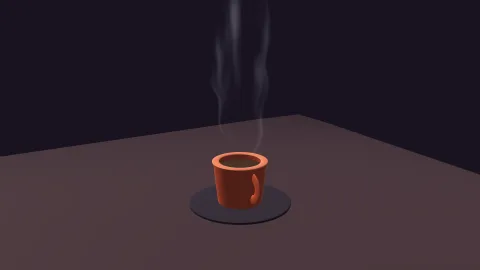

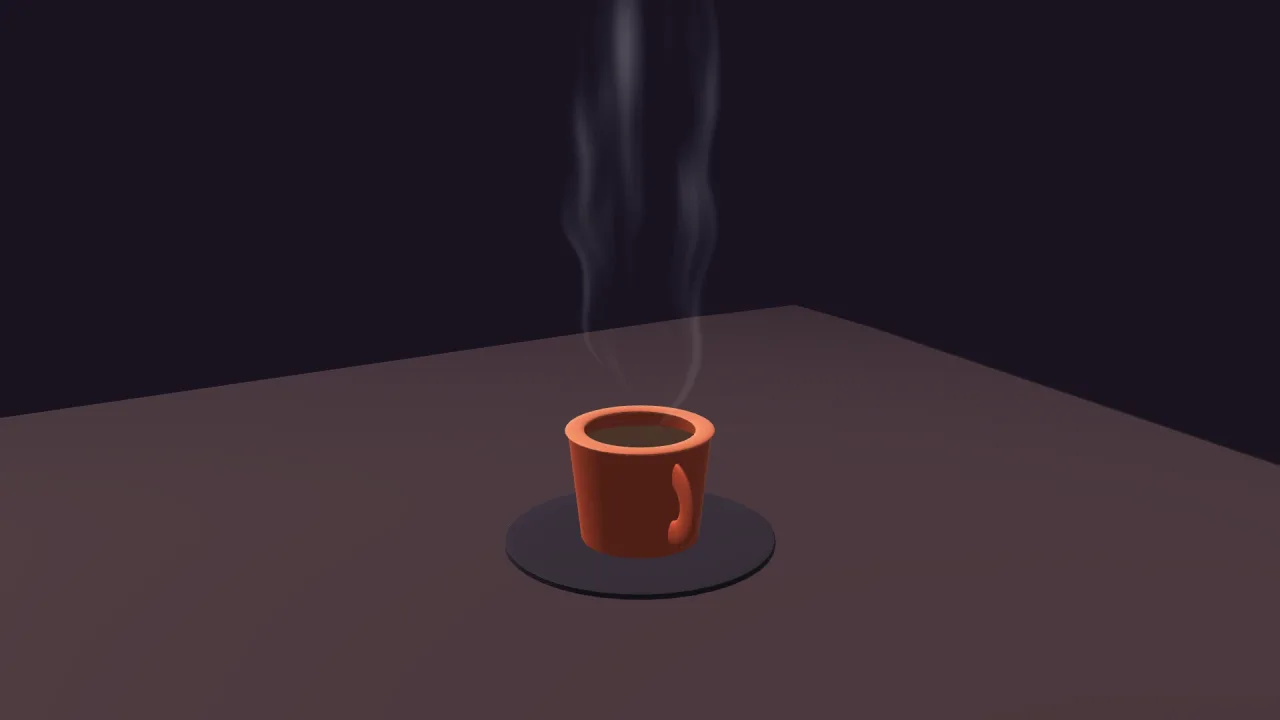
The pack
wisps3d
function wisps3d(opts: Wisps3dOptions = {}): Pack<{ wisps: Wisps3dApi }>The wisps-3d pack: steam and smoke as twisting ribbons, one instanced draw for all of them. Requires a 3D
world and render-3d, whose camera uniform it shares so a wisp takes the same fog and tone map the solids do.
Types
Wisp
interface Wisp extends Required<Omit<WispSpec, 'remap'>>A live wisp. Every field is mutable; kill() removes it.
remap: [number, number]— The density remap.kill(): void— Remove it from the world.readonly alive: boolean— True until killed.
Wisps3dApi
interface Wisps3dApigame.wisps.
add(spec?: WispSpec): Wisp— Add one. Returns it, live and mutable.readonly all: readonly Wisp[]— Every live wisp.clear(): void— Remove them all.readonly noiseFrame: number— The atlas frame the pack baked, for anything else that wants tileable noise. −1 headless.strength: number— A multiplier over every wisp's opacity. Live.enabled: boolean— Turn the pass off.readonly drawn: number— Wisps drawn last frame.
Wisps3dOptions
interface Wisps3dOptionsManifest options.
noiseSize?: number— Pixels a side of the noise the pack bakes for itself. Default 256.seed?: number— Seed for that noise. Default 7.strength?: number— A multiplier over every wisp's opacity. Default 1.enabled?: boolean— Whether the pass runs. Default true.
WispSpec
interface WispSpecHow one wisp looks. Every field is live — mutate it on the returned Wisp.
x?: number— Base position, world units. Default 0.y?: number— Base height. Default 0.z?: number— Base position. Default 0.w?: number— Ribbon width, world units. Default 1.5.h?: number— Ribbon height, world units — it is anchored at its BASE and rises. Default 6.color?: string— Colour, css. Default#e8eef8.alpha?: number— Opacity 0..1. Default 1.twist?: number— Twist strength in radians at full noise; about 10 is the coffee cup. Default 10.wind?: number— Sideways drift at the top, world units. Default 1.2.speed?: number— Animation rate; 1 is the reference pace. Default 1.remap?: [number, number]—smoothstep(lo, hi)over the noise — raiseloto erode the sheet into separate curls. Default [0.4, 1].yaw?: number— Extra yaw on top of the auto camera-facing, radians. Default 0.frame?: number— A tileable greyscale frame to drive it, on any atlas page or in a picture's own texture. Default the pack's own.