
The pack
underwater3d
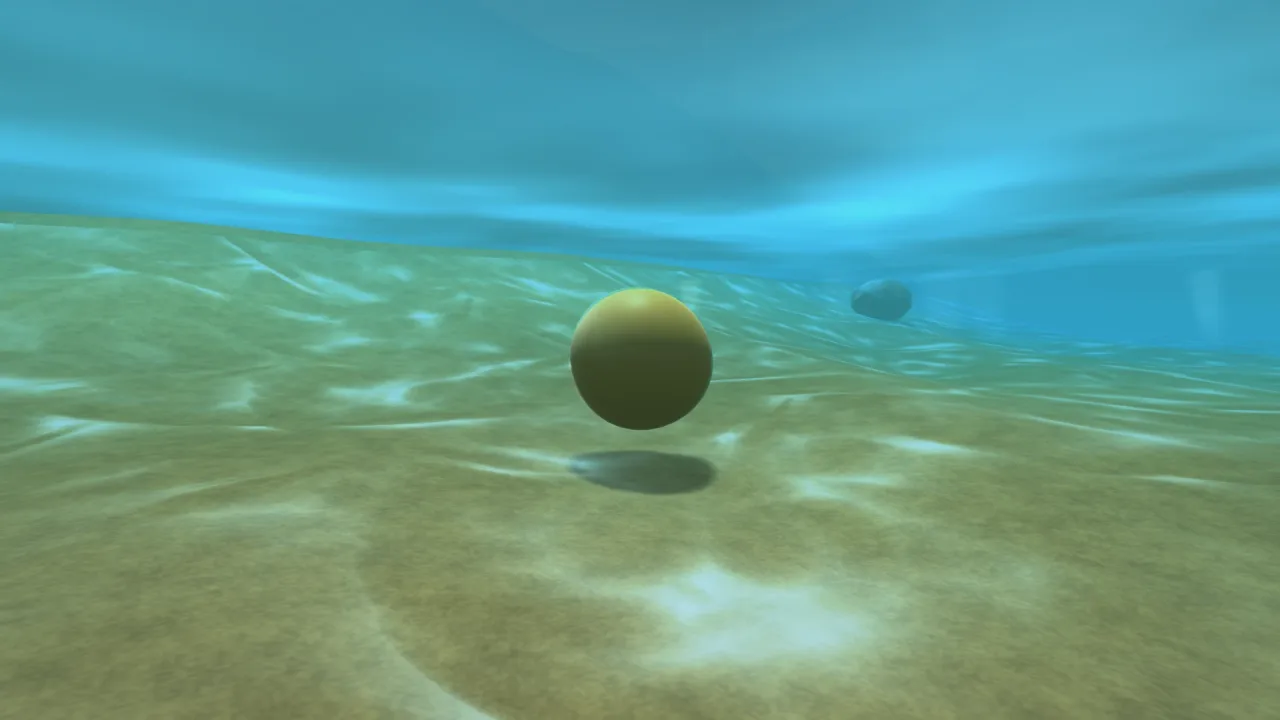
function underwater3d(opts: Underwater3dOptions = {}): Pack<{ underwater: Underwater3dApi }>The underwater-3d pack: a full-screen pass that runs only while the eye is below the surface.
Requires a 3D world, render-3d (its scene depth and lighting record) and a WebGPU or WebGL2 backend; pair it
with water-3d so waves overhead decide where the waterline actually is. Throws on an unknown preset or a
waterColor that is not a css colour.
Helpers
absorb
function absorb(sigma: readonly [number, number, number], dist: number): SigmaPer-channel Beer–Lambert transmittance, exp(−σ · distance) — the CPU twin of the shader's law.
bakeCausticField
function bakeCausticField(size = 256, t = 1.0): Float32ArrayOne Hoskins caustic field, size×size texels over one tile, row-major. Values are the raw pattern —
mostly 0..1 with sparkle peaks above 1. Pure and deterministic; t picks the phase slice to bake.
submersionState
function submersionState(prev: boolean, camY: number, surfY: number, hysteresis: number): { submerged: boolean; depth: number }The submersion decision, with HYSTERESIS: the camera has to cross hysteresis BEYOND the surface line to
flip state, so a hull bobbing exactly at the waterline never strobes the whole effect on and off. depth is
how far the camera sits below the surface, and 0 above it.
UNDERWATER_PRESETS
const UNDERWATER_PRESETS: Record<string, UnderwaterPreset>The named waters. These are BRIGHT BY DEFAULT on purpose: triplets taken from physical tables kill red in
about five metres, which is correct and reads as instant murk in a game — the stylised reef shots everyone
pictures have almost no view extinction at all. murk is the one that keeps the heavy physical feel.
underwaterFog
function underwaterFog( opts: { waterColor: string; sunSigma: Sigma; sigma: Sigma; maxView: number }, depth: number, storm = 0, ): { color: string; near: number; far: number }The gentle base tint every OTHER 3D shader gets for free: the water colour, darkened with depth by the downwelling law and desaturated toward grey-green by storm, over a fog band that closes in with σ.
The composite owns the per-channel extinction; this only has to make the murk, the translucents, the beams and the particles agree with the underwater look — otherwise they float in front of it as if dry.
Functions
createCausticTexture
function createCausticTexture(device: GPUDevice, size = 256): GPUTextureBake the field into an rg8unorm texture with a full 2×2-box mip chain. TWO INDEPENDENT PHASES, one
per channel: the surface shader min-blends a tap of R with a tap of G, so no repeating motif can line
up with itself — two taps of ONE field at related scales tile visibly. The texel stores value/2 so the
above-1 sparkle peaks survive quantisation, and the shader multiplies the tap by 2 to undo it.
Types
Sigma
type Sigma = [number, number, number]A per-channel extinction triplet, in inverse world units.
Underwater3dApi
interface Underwater3dApigame.underwater.
diagnostics(): { active: boolean; submerged: boolean; depth: number; fullUnder: number; shallowK: number; surfaceY: number; sigma: Sigma; viewSigma: Sigma; sunSigma: Sigma; waterColor: string; maxView: number; fog: { color: string; near: number; far: number }; rayStrength: number }— Optical values used by the composite at the current camera position, suitable for CPU ray diagnostics.rayStrength: number— Additional shaft brightness multiplier, independent of the on/off ray control. Default 1.sigma: Sigma— Per-channel view extinction. Replace the tuple to retune absorption live.grade: number— Underwater colour grading strength, 0..1.causticTile: number— World units per caustic tile.causticSpeed: number— Caustic animation speed.rayBand: number— Clearance below the surface at which light shafts begin.rayGap: number— Arc spacing between light shafts, world units.level: number— Sea level.clarity: number— Master clarity, 0..1.caustics: number— Caustic brightness.wobble: number— Screen wobble.vignette: number— Soft screen vignette.storm: number— Storm dial, 0..1.enabled: boolean— Turn it off entirely.rays: number— The bars of sunlight hanging under the surface, 0 for none. Default 1.rayFlicker: number— How deeply each beam dips as it flickers, 0 for steady. Default 1.rayNear: number— How far the wall of beams stands from the camera, world units. Default 14.groundAt(fn: ((x: number, z: number) => number) | null): void— Give the beams a seabed so each is capped above it and shortens smoothly in the shallows.setPreset(name: string): void— Swap the water live:'reef','ocean','pool','murk'. Throws on any other name.shaftMod(): { atten: number; tint: [number, number, number] } | null— How the SURFACE god rays should be modulated while the eye is under: the downwelling transmittance to this depth, and the water's own hue. Null when dry, or when rays are off.god-rays-3dreads it, so shafts from the sun die with depth and go green rather than hanging in the water at full brightness.readonly submerged: boolean— Is the camera under the surface right now? Hysteresis keeps this from flickering at the line.readonly depth: number— How deep the camera is, or 0 above.surfaceAt(fn: ((x: number, z: number) => number) | null): void— Give it a moving surface —water-3d'sheightAt— so waves overhead decide where the line is.
Underwater3dOptions
interface Underwater3dOptionsHow the water looks from inside it. Anything left unset comes from the preset.
preset?: string—'reef'(the default),'ocean','pool'or'murk'; any other name throws.level?: number— Sea level; the effect is on below it. Default 0.sigma?: Sigma— Per-channel view extinction — how fast the murk closes in.sunSigma?: Sigma— Per-channel downwelling extinction — how fast light from above dies with depth.waterColor?: string— The in-scatter murk colour: any css colour the kernel reads (#2f9fc4,rgb(47, 159, 196),cyan); anything else throws.maxView?: number— Roughly how far you can see, world units.clarity?: number— Master CLARITY, 0..1: 1 is the water as authored, 0 is crystal clear. Default 1.caustics?: number— Caustic brightness, 0..1.causticTile?: number— World units per caustic tile. Default 6.causticFade?: number— Receiver depth at which caustics fade to nothing. Default 20.causticSpeed?: number— How fast caustics crawl. Default 1.wobble?: number— Screen wobble in uv; kept small on purpose. Default 0.002.vignette?: number— Soft screen vignette, 0..1.meniscus?: number— How bright the meniscus band at the crossing is. Default 0.35.hysteresis?: number— How far the camera must cross the line to flip state — this is what stops it strobing. Default 0.06.storm?: number— Storm dial 0..1: desaturates the murk toward grey-green and closes it in. Default 0.rays?: number— The bars of sunlight hanging under the surface, 0 for none. Default 1.rayFlicker?: number— How deeply each beam dips as it flickers, 0 for steady. Default 1.rayNear?: number— How far the wall of beams stands from the camera. Default 14.rayBand?: number— How far below the flat surface a beam starts, clearing the ripples. Default 1.2.rayGap?: number— Arc gap between beams; smaller is a denser wall. Default 12.driveFog?: boolean— Drive the scene's fog from the water while submerged. Default true.enabled?: boolean— Whether the pass runs at all. Default true.
UnderwaterPreset
interface UnderwaterPresetOne named water: how fast each channel dies, what colour the murk is, and how the screen is graded.
sigma: Sigma— View extinction — how fast the murk closes in on what you are looking at.sunSigma: Sigma— Downwelling extinction — how fast the light from above dies with depth.waterColor: string— The in-scatter murk colour, css.maxView: number— Roughly how far you can see, world units.caustics: number— Caustic brightness for this water.vignette: number— The soft screen vignette, 0..1.grade: number— The depth grade, 0..1.