
Phaser AE

Block UI skin

Free packv3.0.0-22DLookUpdated

Flat colour on a solid lip, no outline and no gloss: the modern flat 3D button, for every widget in a game. It presses down like a key and reads on any colour.

This is a Free pack. Every phaser.io account can use it in their games.

Released October 18, 2026 · updated October 21, 2026

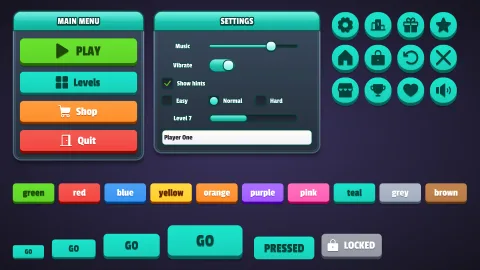
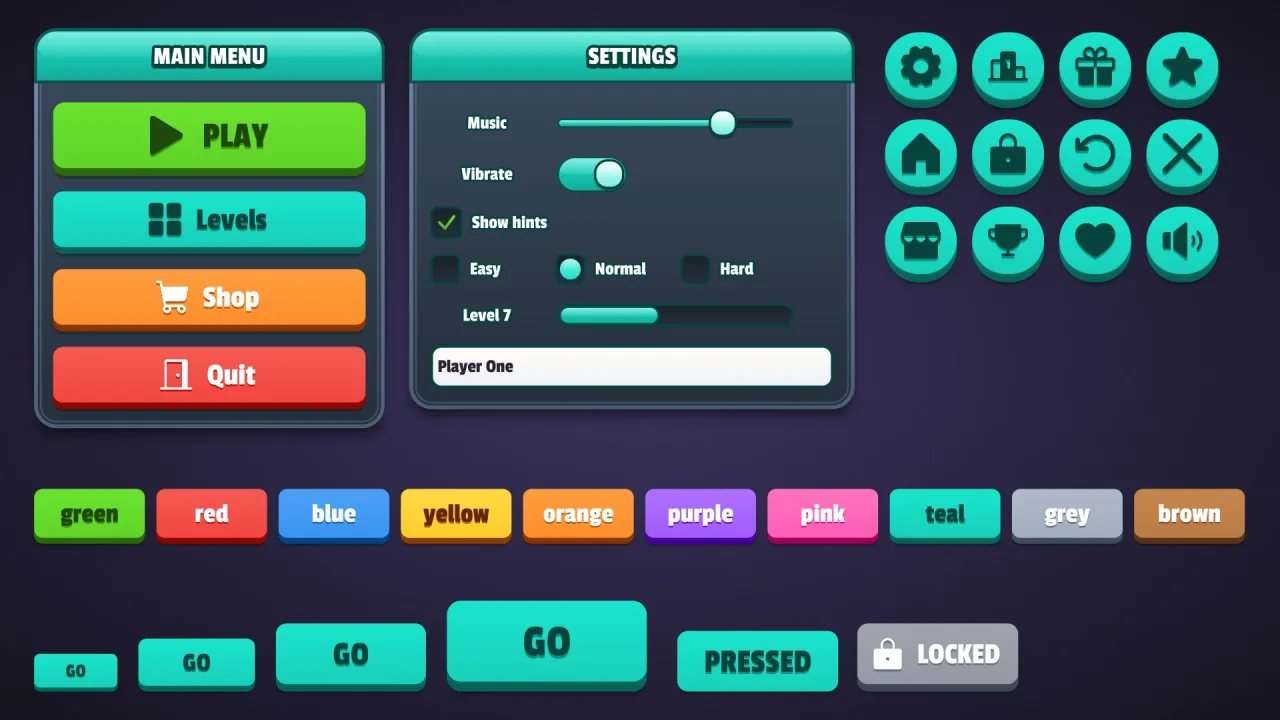
Block UI skin: a screenshot of its demo
A note about these graphics

Expansion packs don't come with graphics. This screenshot is one way of drawing what the pack does, made for its demo: none of the sprites, tiles or backgrounds in it are in the pack.

That's by design. A pack is a game's logic, mechanics and effects, and it works with whatever art you give it. Some packs draw effects, backdrops or 3D scenes of their own, but none carries a game's sprites.

So the look is yours. Make the art on phaser.io, bring your own, or let your agent draw it in code: the same pack can look like anything.

The pack

uiSkinBlock

function uiSkinBlock(options: UiSkinOptions = {}): Pack<{}>

Pack ui-skin-block: the block game UI skin — flat colour on a solid lip, no outline or gloss: the modern flat 3D button. Registers the theme 'block' (made with these options: its main colour, surface colour, corners, lip, role colours and extra colours) for game.ui.theme = 'block', and the material, so game.skins.make({ material: 'block', … }) makes more. Requires ui-skins.

Constants

UI_SKIN_BLOCK

const UI_SKIN_BLOCK: UiSkinMaterialDef

The block material: flat colour on a solid lip, no outline or gloss: the modern flat 3D button. For buildUiSkin, validateUiSkin and tools; a game composes the pack instead.