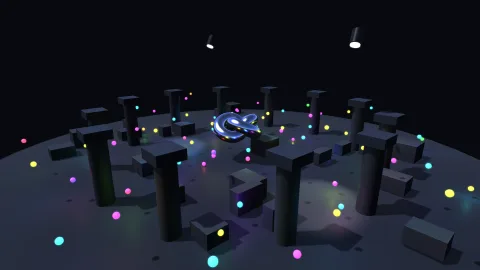

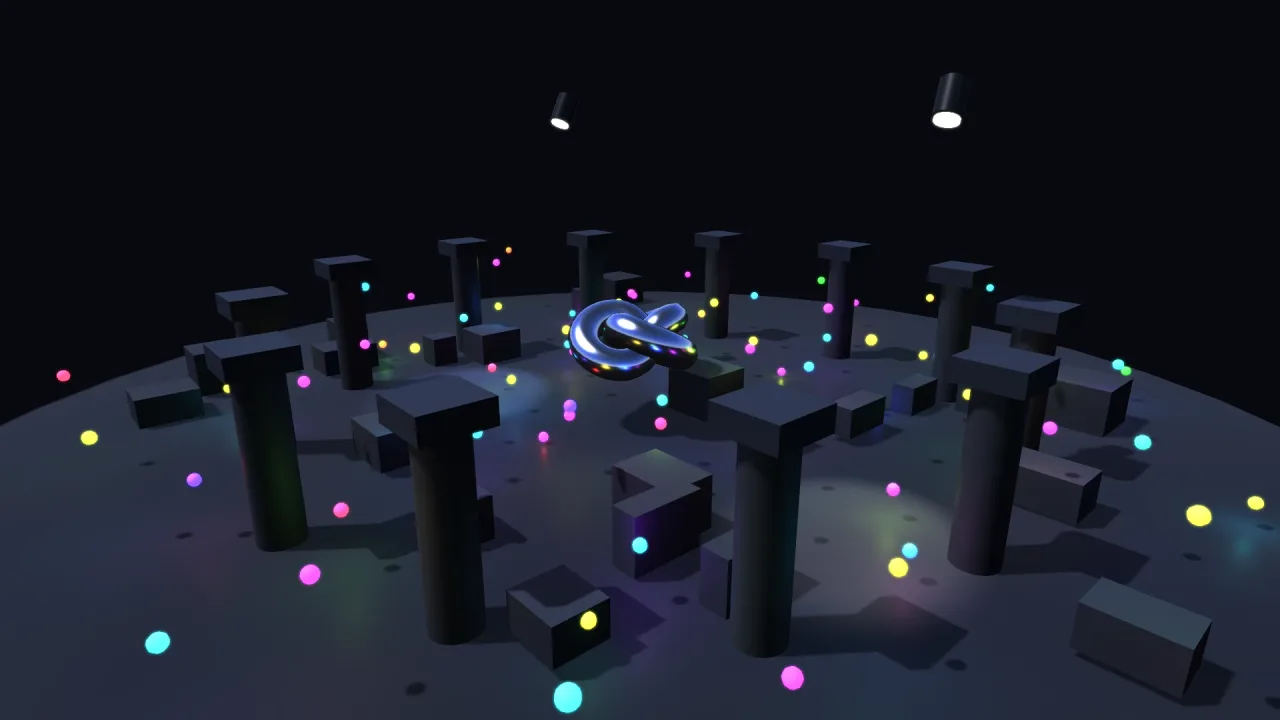
The pack
lighting3d
function lighting3d(opts: Lighting3dOptions = {}): Pack<{ lights: Lighting3dApi }>The lighting-3d pack: point and spot lights as roster objects, packed into the buffer render-3d
binds. Requires a 3D world; without render-3d the lights exist and simply light nothing.
Types
Light3dData
interface Light3dDataThe light3d sub-object on a light's handle. Every field is live.
radius: number— How far the light reaches, world units. Beyond it, nothing.color: string— Colour, css — the kernel packs and unpacks the column.intensity: number— Brightness.cone: number— Spot outer cone half-angle in radians; 0 or less makes it a point light.innerCone: number— Full-brightness inner cone half-angle in radians; -1 derives legacy falloff.dir: number— Spot direction yaw, radians.pitch: number— Spot direction pitch, radians; positive points down.on: number— 1 on, 0 off.flicker: number— Flicker depth, 0..1 — a torch, a faulty lamp.flickerSpeed: number— Flicker speed.
Light3dHandle
type Light3dHandle = Handle & { light3d: Light3dData }A light is a roster object with a light3d sub-object.
Light3dSpec
interface Light3dSpecWhat lights.add takes.
x?: number— World x.y?: number— World y.z?: number— World z.radius?: number— Reach, world units. Default 12.color?: string— Colour, css. Default warm white.intensity?: number— Brightness. Default 1.cone?: number— Make it a spot with this outer cone half-angle, degrees. Default none.innerCone?: number— Full-brightness inner cone half-angle, degrees. Omit to preserve legacy falloff.dir?: number— Spot yaw, degrees. Default 0.pitch?: number— Spot pitch, degrees; positive points down. Default 90 (straight down).flicker?: number— Flicker depth 0..1. Default 0.flickerSpeed?: number— Flicker speed. Default 8.follow?: Handle— Follow this object.id?: string— Object id.layer?: LayerName— Layer.tags?: string[]— Tags.
Lighting3dApi
interface Lighting3dApigame.lights.
add(spec?: Light3dSpec): Light3dHandle— Add a light.readonly all: ReadonlyArray<Light3dHandle>— Every live light.readonly active: number— How many were sent to the renderer last frame.max: number— The cap; lights past it (the furthest from the camera) are dropped. Default 64, ceiling 256. It is a real cost, not a formality. Under 24 lightsrender-3dshades a FLAT LIST, so every lit fragment loops over every light sent; from 24 on (its defaultclustered: 'auto') it bins them into a froxel grid, and a fragment loops only the lights in its own cell. On WebGL2 the nearest eight are shaded, as a flat list. Raise it for a light show and watch the frame time.
Lighting3dOptions
interface Lighting3dOptionsManifest options.
max?: number— Most lights sent to the renderer at once; the nearest win. Default 64, ceiling 256. What they cost depends on howrender-3dshades them: seeLighting3dApi.max.