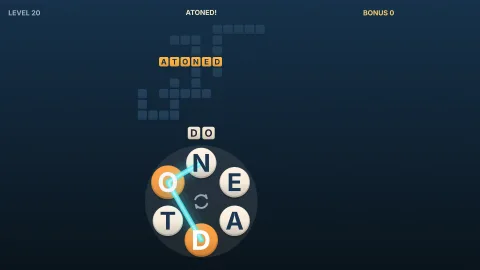

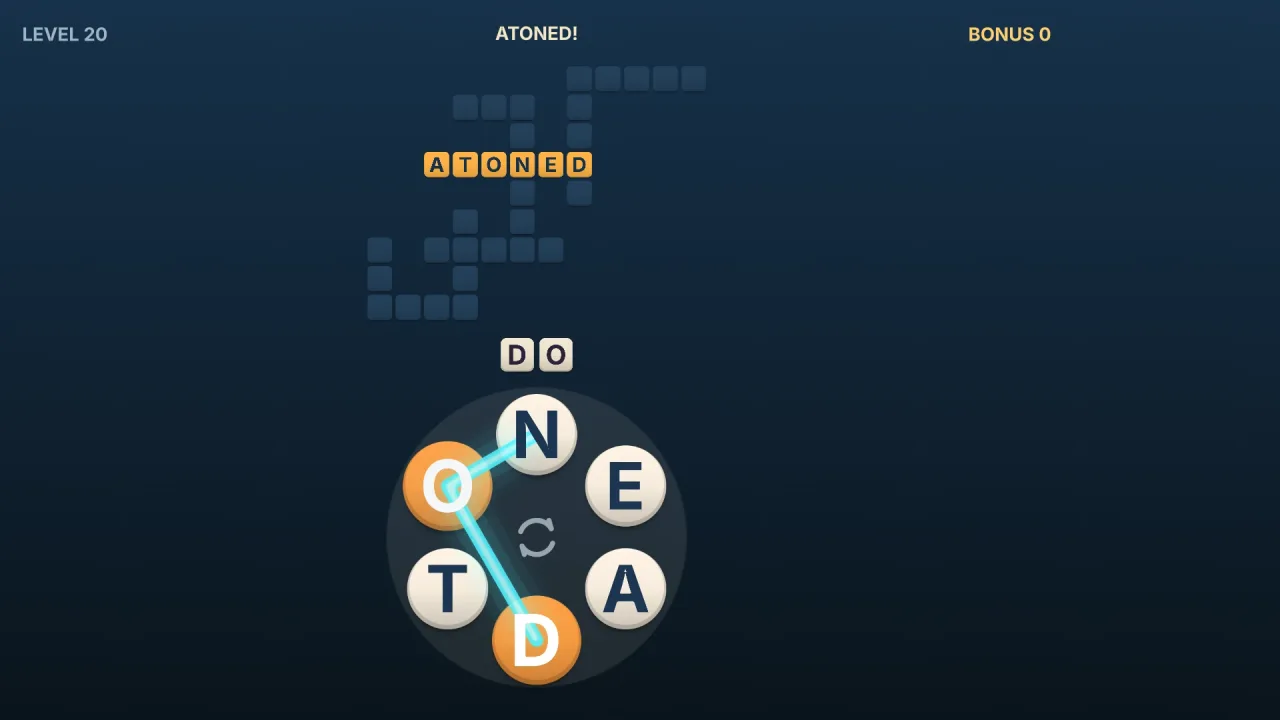
The pack
letterWheel
function letterWheel(): Pack<{ letterWheel: LetterWheelApi }>The letter-wheel pack: letter wheel word puzzle rules over the english-words lists. Pure logic, so it runs headless.
Helpers
createLetterWheel
function createLetterWheel(options: LetterWheelOptions): LetterWheelMake a level. Throws a RangeError for options out of range: a base word with characters other than letters, a
letter count no word list word has, minLength longer than the wheel, or no base word meeting minWords.
layoutCrossword
function layoutCrossword(words: ReadonlyArray<string>, maxSize: number, rng: Rng, limit = Infinity): { placed: Placed[]; width: number; height: number }Lay words out as a crossword, in the order given, each crossing one already placed where they share a letter, no
two words side by side, inside maxSize cells each way, stopping after limit words (default all). Returns the
words placed with their first cells, counting from 0 at the top left, and the size. Words that will not fit are
left out. Pure in rng.
wheelLevel
function wheelLevel(level: number, options: { seed?: number; maxLetters?: number; maxTargets?: number; levelsPerLetter?: number; extra?: Partial<LetterWheelOptions> } = {}): LetterWheelOptionsOptions for level level (from 1) of a rising ladder: more letters and more targets as the levels go up, from 4
letters and 3 targets to maxLetters (default 7) and maxTargets (default 10), one more letter every
levelsPerLetter levels (default 8). The seed comes from seed and the level, so each level is always the same.
extra is merged over the result.
Types
LetterWheel
interface LetterWheelA letter wheel level. Make one with createLetterWheel.
observation(): LetterWheelView— The level as it stands.spell(path: ReadonlyArray<number>): string | null— What a path round the wheel spells: wheel positions, each used once. Null for a repeated or unknown position.check(word: string): { readonly ok: true; readonly kind: WheelResult['kind'] } | Refusal— Would this word count now, and as what? Changes nothing.trace(path: ReadonlyArray<number>): { readonly ok: true; readonly result: WheelResult } | Refusal— Submit a path traced round the wheel. A repeat is accepted (it changes nothing) so a game can say so; a non-word is refused.type(word: string): { readonly ok: true; readonly result: WheelResult } | Refusal— Submit a typed word, made of the wheel's letters.shuffle(): void— Put the wheel's letters in a new order.hint(): { readonly ok: true; readonly result: { readonly target: number; readonly position: number; readonly letter: string; readonly completed: ReadonlyArray<number> } } | Refusal— Show one hidden letter: the first hidden letter of the shortest unfound target. Refused when the level is complete.undo(): boolean— Take back the last move.answers(): ReadonlyArray<string>— The targets' words in index order, for a solution screen or a test.readonly base: string— The base word, whose letters are on the wheel.snapshot(): HistorySave<LetterWheelMove>— The level as a save: the seed and the moves. Restore it into a level made with the same options.restore(save: HistorySave<LetterWheelMove> | string): void— Replace this level's moves with a save. Throws, changing nothing, when it does not replay.
LetterWheelApi
type LetterWheelApi = typeof rulesgame.letterWheel: every function and type this pack carries, as one namespace.
LetterWheelMove
type LetterWheelMove = | { readonly kind: 'trace'; readonly path: ReadonlyArray<number> } | { readonly kind: 'type'; readonly word: string } | { readonly kind: 'shuffle' } | { readonly kind: 'hint' }A move.
LetterWheelOptions
interface LetterWheelOptionsHow a level is made. Only seed is required.
seed: number— Picks the base word, the targets and the wheel's order, as an unsigned 32-bit integer.letters?: number— Letters on the wheel: the base word's length. Default 6, or the length ofbase.base?: string— The base word (or any letters) to use instead of a seeded pick.words?: WordList— The words that count. Default the English lexicon.minLength?: number— Shortest word that counts, in letters. Default 3.targets?: number— Most target words. The rest of the words the letters spell are bonus words. Default 8.minWords?: number— Fewest words the letters must spell for a seeded base word to be chosen. Default 4.attempts?: number— Base words tried to meetminWords. Default 60.layout?: WheelLayout— How the targets are laid out. Default'crossword'.maxSize?: number— A crossword's widest and tallest, in cells. Default 12. Targets that will not fit are left as bonus words.exclude?: ReadonlyArray<string>— Words never used, as targets or bonus words (any case): a family game's own blocklist.
LetterWheelView
interface LetterWheelViewThe level as it stands. Never gives away an unfound word.
readonly wheel: ReadonlyArray<string>— The wheel's letters in their current order, lower case.readonly targets: ReadonlyArray<WheelTarget>— The targets: in crossword order (placed first, first) or, in a list, by length then alphabetically.readonly found: number— How many targets are found.readonly complete: boolean— Every target found?readonly layout: WheelLayout— The layout in use.readonly cells: ReadonlyArray<ReadonlyArray<WheelCell | null>>— The crossword, row by row (cells[y][x]), null where there is no cell; empty in a list.readonly bonus: ReadonlyArray<string>— Bonus words found, in order.readonly bonusTotal: number— How many bonus words the letters spell in all.readonly hints: number— Hints used.readonly shuffles: number— Shuffles used.
WheelCell
interface WheelCellOne crossword cell.
readonly letter: string | null— The letter, once shown; null while hidden.readonly targets: ReadonlyArray<number>— The targets that use this cell.
WheelLayout
type WheelLayout = 'crossword' | 'list'How the target words are shown: crossing each other in a crossword, or as a list grouped by length.
WheelPlacement
interface WheelPlacementWhere a target sits in a crossword.
readonly x: number— The first letter's cell,xacross andydown from 0 at the top left.readonly y: number— The first letter's row.readonly direction: 'across' | 'down'—'across'(left to right) or'down'(top to bottom).
WheelResult
interface WheelResultWhat a word did: found a target, found a bonus word, or found a word already found.
readonly kind: 'target' | 'bonus' | 'repeat'—'target','bonus'or'repeat'.readonly word: string— The word, lower case.readonly target: number | null— The target's index, for a target or a repeat of one; null for a bonus word.readonly completed: ReadonlyArray<number>— Targets this word completed by crossing them (their last hidden letters were in it).readonly complete: boolean— Is the level complete now?
WheelTarget
interface WheelTargetA target as a player sees it.
readonly index: number— Its place among the targets, which never changes.readonly length: number— How many letters.readonly word: string | null— The word, once found or once the level is complete; null before.readonly shown: ReadonlyArray<string | null>— Each letter as shown: the letter once found, revealed by a hint or crossed by a found word, else null.readonly found: boolean— Found by tracing or typing, or shown in full by hints and crossings.readonly revealed: boolean— Every letter shown without the word being traced or typed.readonly placement: WheelPlacement | null— Its place in the crossword; null in a list.