
The pack
grass3d
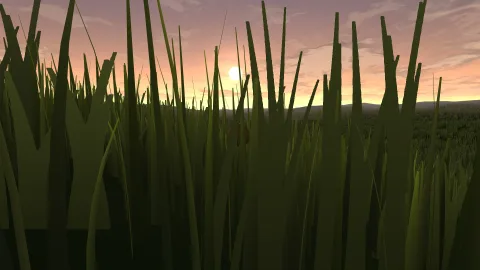
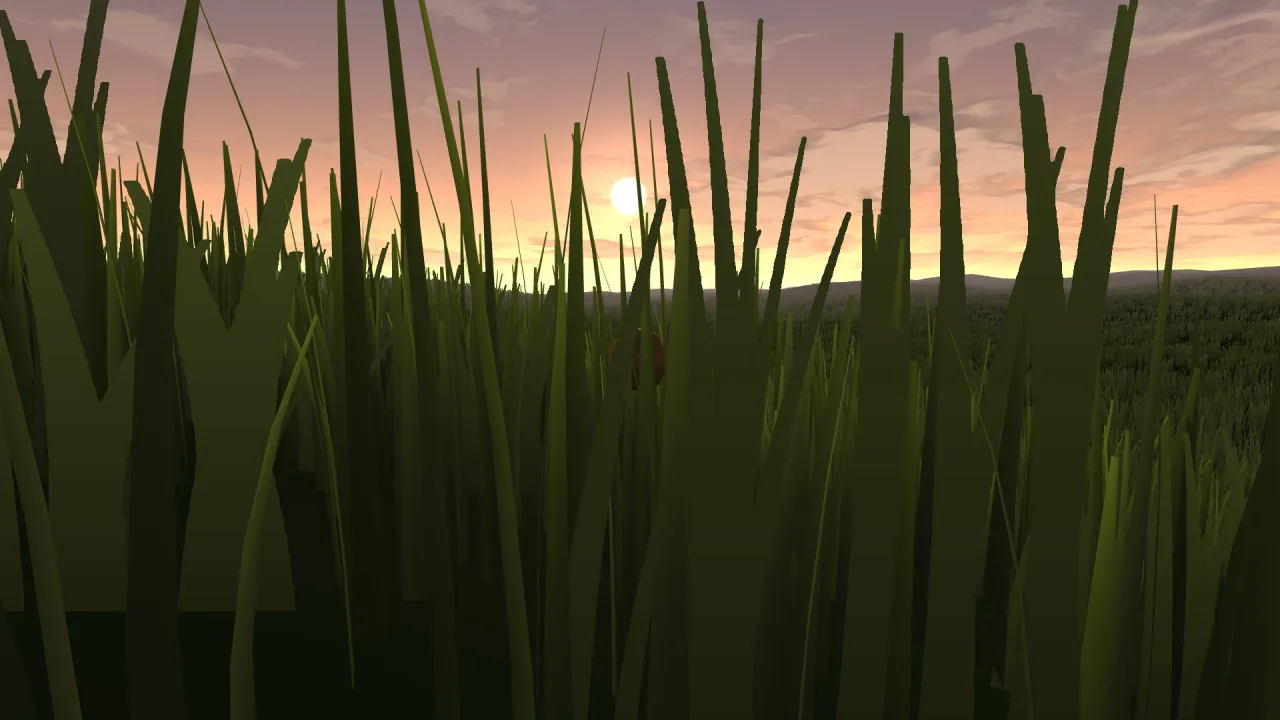
function grass3d(opts: Grass3dOptions = {}): Pack<{ grass: Grass3dApi }>The grass-3d pack: a compute-spawned, indirectly-drawn meadow that follows the camera, with a far ring of
billboard clumps and flowers carrying it to the horizon. Requires a 3D world and render-3d.
Functions
bakeClumps
function bakeClumps(flowers: number, size = 256): { frames: number; layers: ClumpLevel[][] }Bake the card texture array: one grass clump followed by flowers flower variants, each with a full
box-filtered mip chain. 256 a side, because a card that fills the screen up close reads blocky at 128 —
every coordinate is a fraction of the size, so the silhouette is identical, just sharper.
Constants
FLOWER_PALETTES
const FLOWER_PALETTES: FlowerPalette[]The flower variants, in the order flowers picks them. They are ALBEDO, so they light like any surface.
Types
ClumpLevel
interface ClumpLevelOne baked mip level of a clump texture layer.
size: number— Texels a side.data: Uint8Array— rgba8, row major.
FlowerPalette
interface FlowerPaletteThe petal palette of one flower variant.
petal: [number, number, number]— The petal colour, rgb 0..255.centre: [number, number, number]— The centre disc colour, rgb 0..255.petals: number— How many petals radiate from the centre.r: number— Bloom radius as a fraction of the texture.
Grass3dApi
interface Grass3dApigame.grass.
build(opts?: Grass3dOptions): void— Build or rebuild the meadow.refresh(): void— Re-bake the ground under the grass. Call it after the terrain changes.readonly blades: number— Blades drawn last frame.readonly cards: number— Cards drawn last frame.wind: number— Wind strength, live.windDir: number— Wind direction in radians, live.windSpeed: number— How fast the gusts travel, live.flowerAmount: number— How much of the field flowers, 0..1, live. Needsflowersabove 0 at build.dryness: number— Straw dryness, 0..1, live.viewBias: number— Forward window bias, live.fanAngle: number— The window's opening angle in DEGREES, live; 360 is a full disc around the viewer. Live because the right angle depends on where the camera is looking: along the ground a narrow wedge pushed forward covers everything you can see, and looking down you need the whole disc, because you can see the ground all around you.showBlades: boolean— Draw the near geometry blades. Live.showCards: boolean— Draw the far billboard cards. Live.visible: boolean— Draw the field at all. Live.
Grass3dOptions
interface Grass3dOptionsHow the meadow looks, how far it reaches and what grows in it.
span?: number— World units the geometry-blade window spans. Default 84. Grass thins AND shortens toward the rim and fades to nothing at it, so the window has no hard edge; a bigger span reaches further at the cost of more blades. It never spawns past the terrain edge.cells?: number— Cells a side of the spawn lattice. Default 320 — one candidate blade per cell.dynamic?: number— The fraction of the near field that is REAL GEOMETRY rather than a cheap card, 0..1. Default 0.5. This is the performance lever: 1 is all blades and heaviest, low is mostly cards filling in.height?: number— Base blade height, world units. Default 1.1.width?: number— Blade width, world units. Default 0.03.farSpan?: number— The far card ring's world span. Default 360.farCells?: number— Cells a side of the far card lattice. Default 300.cardWidth?: number— Card clump width, world units. Default 0.7.cardHeight?: number— Card clump height, world units. Default the blade height.flowers?: number— How many procedural FLOWER-cluster variants to bake, 0..6. Default 0. Above 0 the card texture becomes an array — grass first, then the flowers — andflowerAmountdecides how much of the field blooms.flowerAmount?: number— How much of the field flowers, 0..1; blooms cluster in drifts. Default 0.25 whenflowersis set.dryness?: number— Straw dryness, 0..1: warms blades and grass cards toward hay yellow, preserving their light and dark. Default 0.wind?: number— Wind strength. Default 0.25.windDir?: number— Wind direction, radians. Default 0.6.windSpeed?: number— How fast the gusts travel. Default 1.groundTint?: number— Blend toward the ground's own colour, 0..1, so blades relate to the terrain under them. Default 0.3.color?: string— Blade colour — the green the ground tint blends from. Default a fresh meadow green.viewBias?: number— FAN the spawn window FORWARD instead of keeping a full disc around the camera, 0..~0.7. Default 0. You only ever SEE the wedge in front of you, so a full disc spends most of its lattice on cells behind you that are culled every frame; sliding the window forward sends the same blade budget further ahead. Blades stay pinned to world cells, so nothing swims — the window just re-aims as you turn.fanAngle?: number— The angular width of that fan, degrees. Default 360, which is no angular cull at all. Keep it GENEROUSLY wider than the camera's field of view so cells enter and leave the wedge off-screen; a tight fan pops at the screen edges as you turn. A small disc is always kept around your feet.terrainSize?: number— The terrain's extent, world units — the lattice never spawns past its edge. Default 512.terrainRes?: number— Resolution the ground is baked at. Default 512.groundAt?: (x: number, z: number) => number— The ground height under a point. Default flat.allowAt?: (x: number, z: number) => boolean— Where grass may grow at all — a slope test, a path, a lake edge. Default everywhere.groundColorAt?: (x: number, z: number) => string— The ground's own colour under a point, for the tint. Default a dry earth.