Vignette Color
Demonstrates how to apply a vignette filter to a camera and customize its color and strength dynamically.
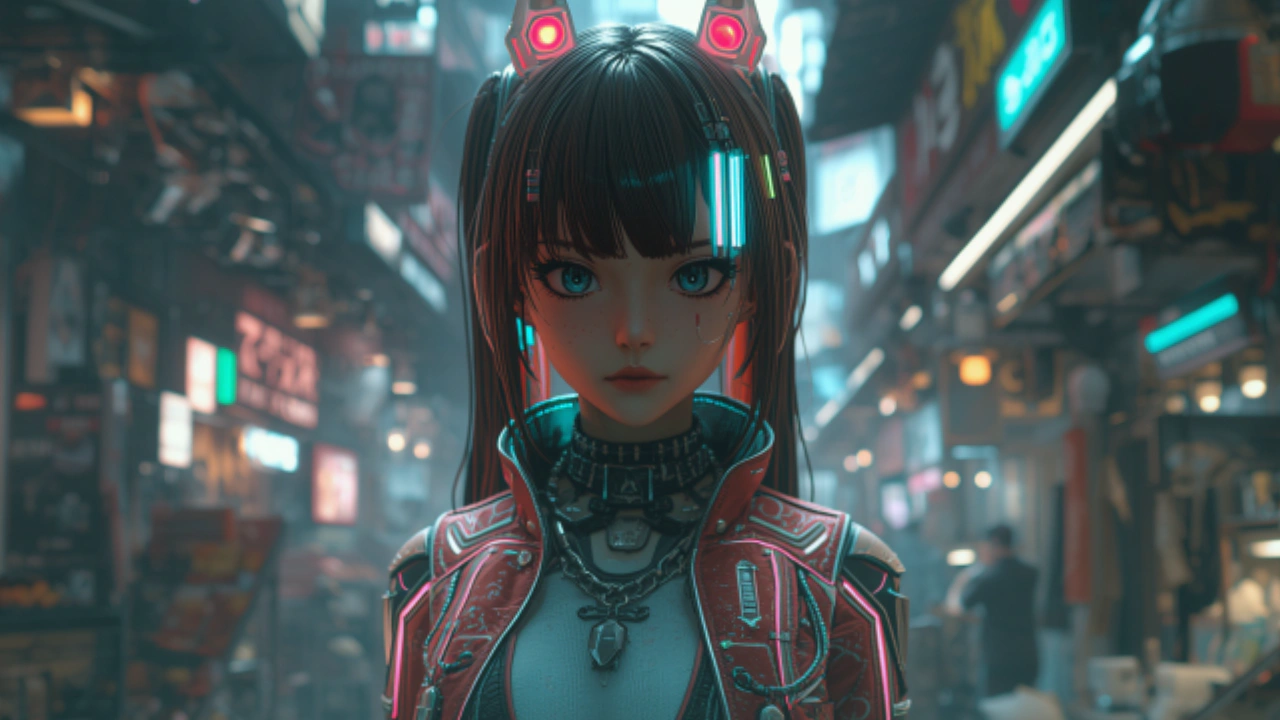
1280 × 720
class Example extends Phaser.Scene
{
    image;
    vignette;

    preload ()
    {
        this.load.setBaseURL('https://cdn.phaserfiles.com/v410');
        this.load.image('anime-market', 'assets/pics/anime-market.png');
    }

    create ()
    {
        this.image = this.add.image(400, 300, 'anime-market').setScale(2);

        this.vignette = this.cameras.main.filters.external.addVignette(0.5, 0.37, 1, 0.25);
        this.vignette.color.setTo(127, 255, 255);
    }

    update (time, delta)
    {
        this.image.x = 16 * Math.sin(time / 765) + 640;
        this.image.y = 16 * Math.sin(time / 1000) + 512;
        this.image.rotation = 0.005 * Math.sin(time / 881);
        this.vignette.strength = 0.1 + 0.05 * Math.sin(time / 384);
    }
}

const config = {
    scale: { mode: Phaser.Scale.FIT },
    type: Phaser.AUTO,
    width: 1280,
    height: 720,
    backgroundColor: '#000000',
    parent: 'game-container',
    scene: Example
};

let game = new Phaser.Game(config);
More in Vignette6 examples
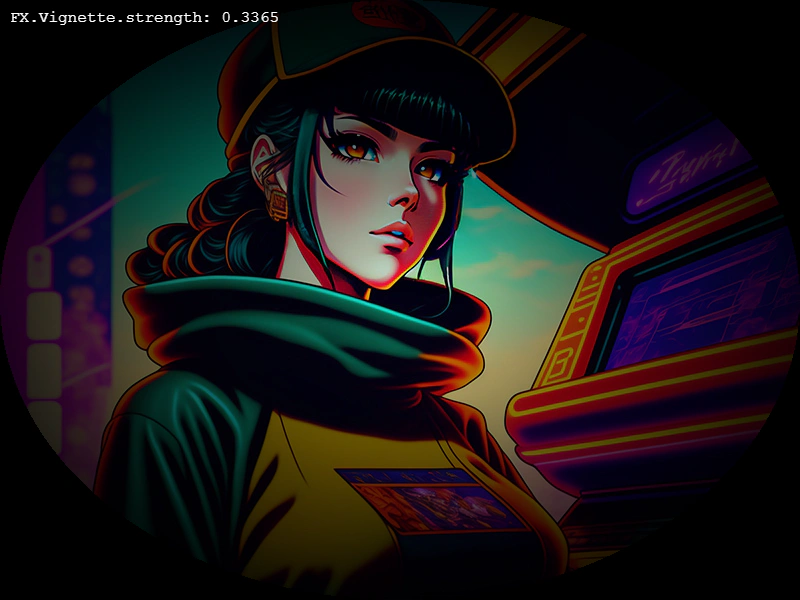 Vignette Filter StrengthDemonstrates how to apply a vignette filter to a sprite and control its intensity by animating the strength property.
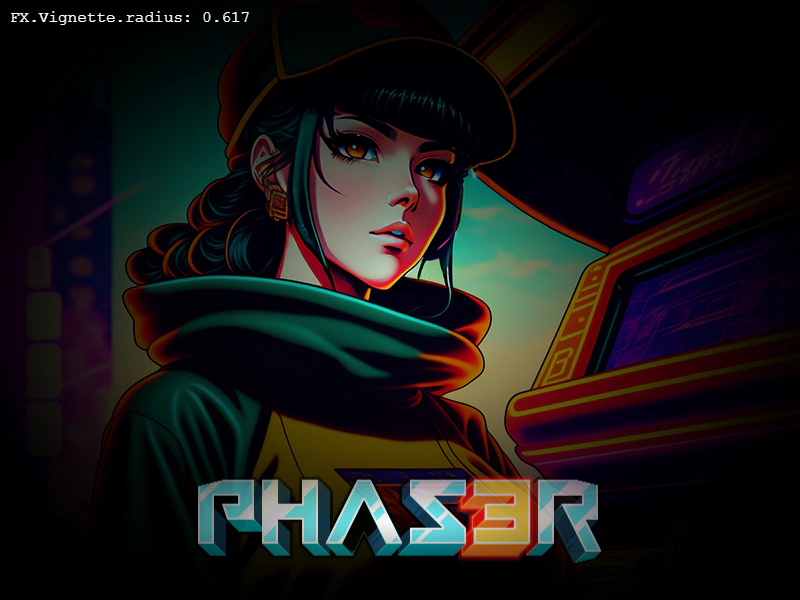 Vignette RadiusDemonstrates how to use and animate the radius property of the Vignette effect to dynamically change the size of the vignette on Game Objects.
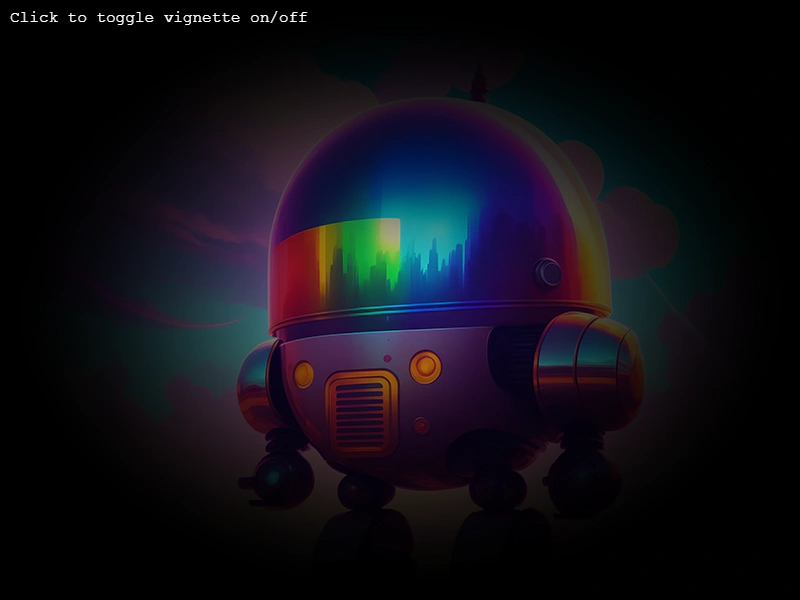 Vignette SpriteDemonstrates how to apply a vignette post-processing filter to an individual sprite and toggle the effect on and off.
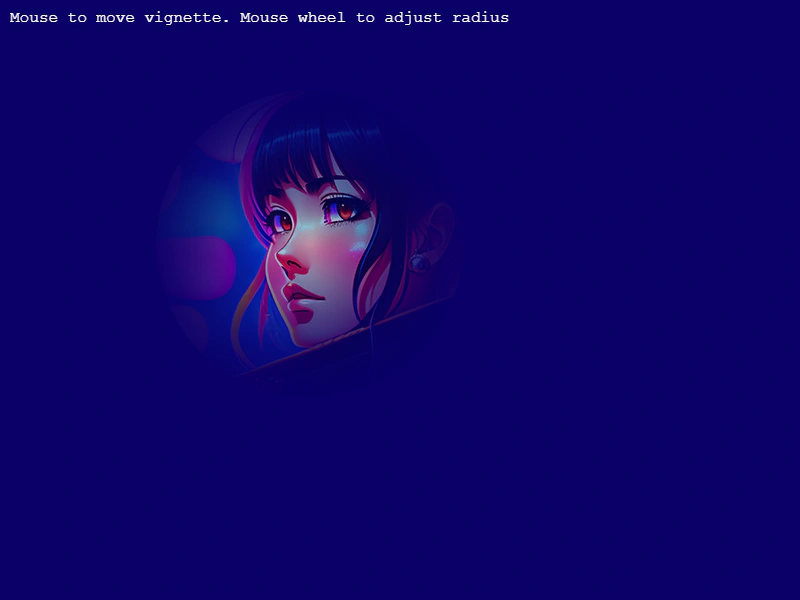 Interactive Vignette Filter PositionDemonstrates how to add a vignette effect to a sprite and dynamically update its center position and radius using mouse input.