Normal Tools Facing Power
Demonstrates how to use Normal Tools to dynamically adjust the facing power of a normal map, causing surface normals to bend towards or away from the camera to alter lighting effects.
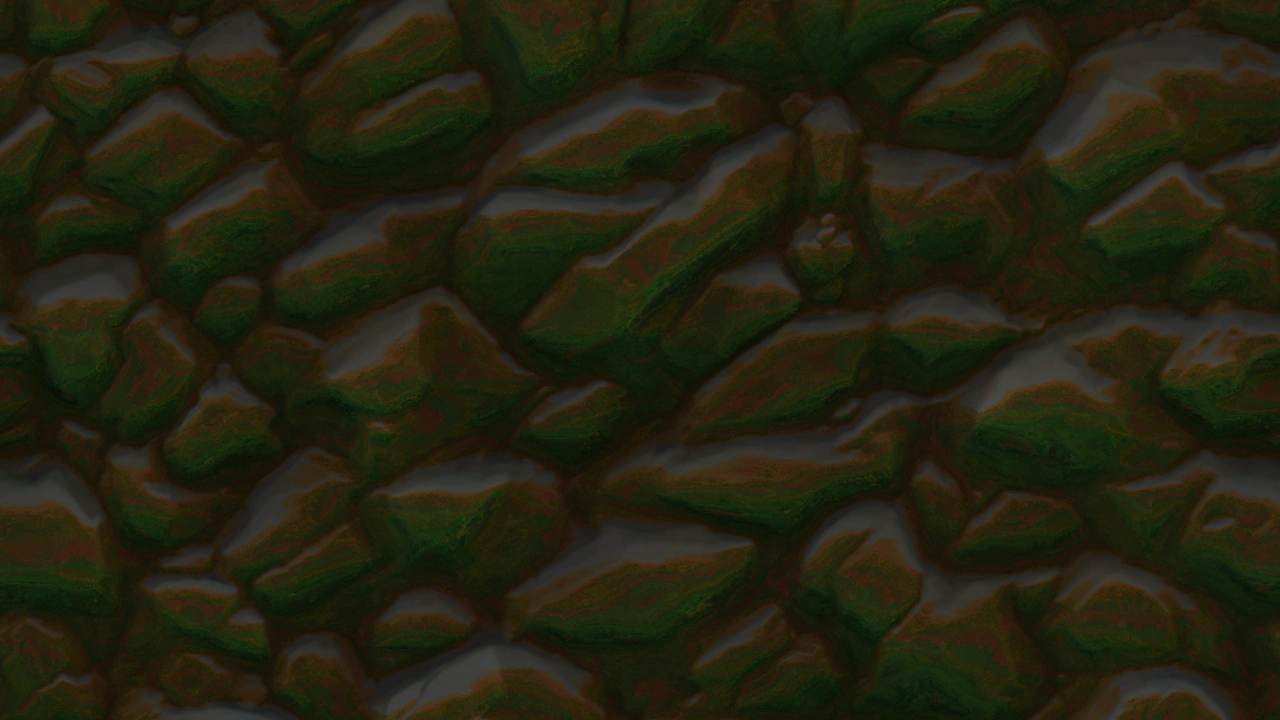
1280 × 720
class Example extends Phaser.Scene
{
    stonesN;
    normalTools;
    normalTexture;

    preload ()
    {
        this.load.setBaseURL('https://cdn.phaserfiles.com/v410');
        this.load.image('stones', 'assets/normal-maps/stones.png');
        this.load.image('stones_n', 'assets/normal-maps/stones_n.png');
        this.load.image('environment', 'assets/skies/grass.jpg');
    }

    create ()
    {
        this.stonesN = this.add.image(0, 0, 'stones_n').setOrigin(0).setVisible(false).enableFilters();
        this.normalTools = this.stonesN.filters.internal.addNormalTools();
        this.normalTexture = this.textures.addDynamicTexture('stones_n_tooled', this.stonesN.width, this.stonesN.height);

        const stones = this.add.image(640, 360, 'stones').enableFilters();
        Phaser.Actions.FitToRegion(stones, 1);
        stones.filters.internal.addImageLight({
            environmentMap: 'environment',
            normalMap: 'stones_n_tooled'
        });
    }

    update (time, delta)
    {
        // Bend the surface normals to or away from the camera.
        this.normalTools.facingPower = 1.5 + Math.sin(time / 200);
        this.normalTexture.draw(this.stonesN).render();
    }
}

const config = {
    scale: { mode: Phaser.Scale.FIT },
    type: Phaser.WEBGL,
    width: 1280,
    height: 720,
    backgroundColor: '#2d3440',
    parent: 'game-container',
    scene: Example
};

const game = new Phaser.Game(config);
More in Normal Tools3 examples
 Normal Tools FilterDemonstrates how to manipulate a normal map in real-time using the Normal Tools filter, rotating the map data before applying it to a sprite for dynamic lighting and environment mapping.
 Normal Tools RatioDemonstrates using the Normal Tools filter with the outputRatio setting to create dynamic lighting and specular highlights by applying vector-based calculations to a normal map texture.