Chroma Key Filter
Demonstrates how to use the key filter to remove a specific color from an image, making it transparent.
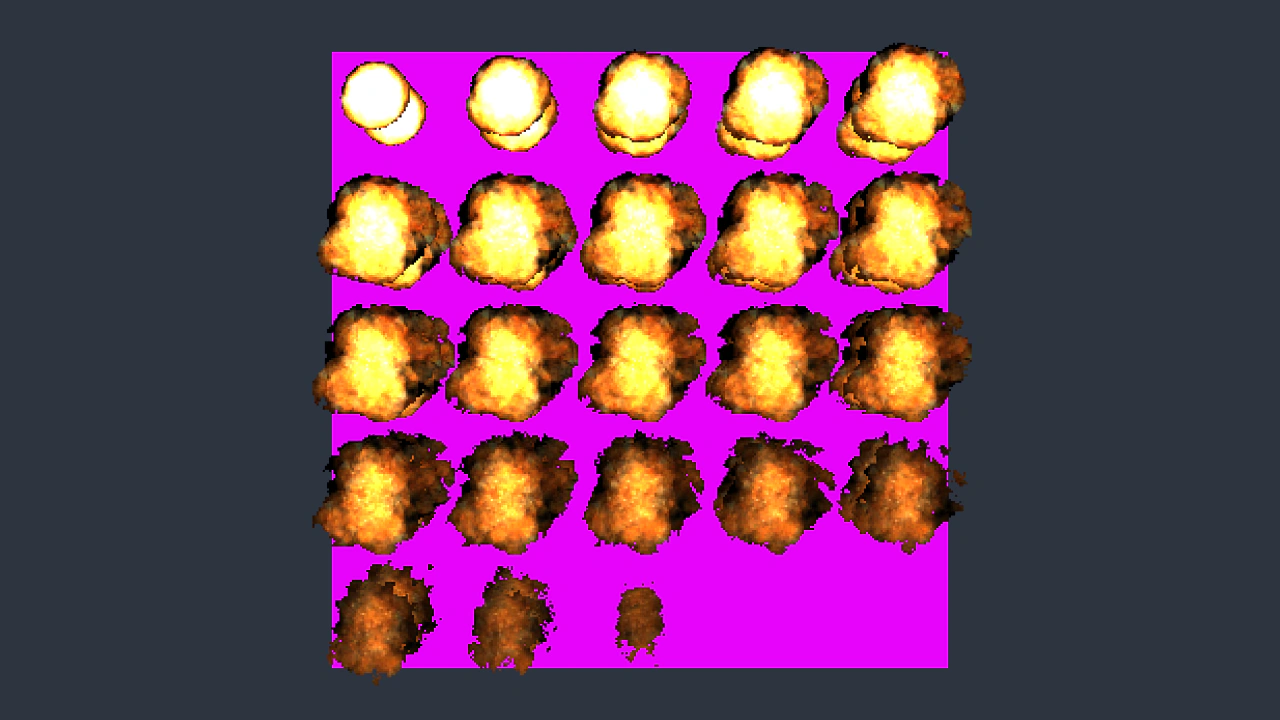
1280 × 720
class Example extends Phaser.Scene
{
    unkeyed;
    keyed;

    preload ()
    {
        this.load.setBaseURL('https://cdn.phaserfiles.com/v410');
        this.load.image('atlas', 'assets/atlas/trimsheet/explosion-notrim.png');
    }

    create ()
    {
        this.unkeyed = this.add.image(640, 360, 'atlas').setScale(2);
        this.keyed = this.add.image(640, 360, 'atlas').setScale(2).enableFilters();
        this.keyed.filters.internal.addKey({ color: 0xe404f8 });

        this.tweens.chain({
            targets: this.unkeyed,
            loop: -1,
            loopDelay: 1000,
            tweens: [
                {
                    scaleX: 1.9,
                    scaleY: 1.9,
                    ease: 'Quad.inout',
                    duration: 1000
                },
                {
                    x: 320,
                    ease: 'Quad.inout',
                    duration: 1000
                },
                {
                    x: 640,
                    ease: 'Quad.inout',
                    duration: 1000
                },
                {
                    scaleX: 2,
                    scaleY: 2,
                    ease: 'Quad.inout',
                    duration: 1000
                },
            ]
        });

        this.tweens.chain({
            targets: this.keyed,
            loop: -1,
            loopDelay: 1000,
            tweens: [
                {
                    scaleX: 2.1,
                    scaleY: 2.1,
                    ease: 'Quad.inout',
                    duration: 1000
                },
                {
                    x: 960,
                    ease: 'Quad.inout',
                    duration: 1000
                },
                {
                    x: 640,
                    ease: 'Quad.inout',
                    duration: 1000
                },
                {
                    scaleX: 2,
                    scaleY: 2,
                    ease: 'Quad.inout',
                    duration: 1000
                },
            ]
        });
    }
}

const config = {
    scale: { mode: Phaser.Scale.FIT },
    type: Phaser.WEBGL,
    width: 1280,
    height: 720,
    backgroundColor: '#2d3440',
    smoothPixelArt: true,
    parent: 'game-container',
    scene: Example
};

const game = new Phaser.Game(config);